AgentDB / Studio
The console you can talk to.
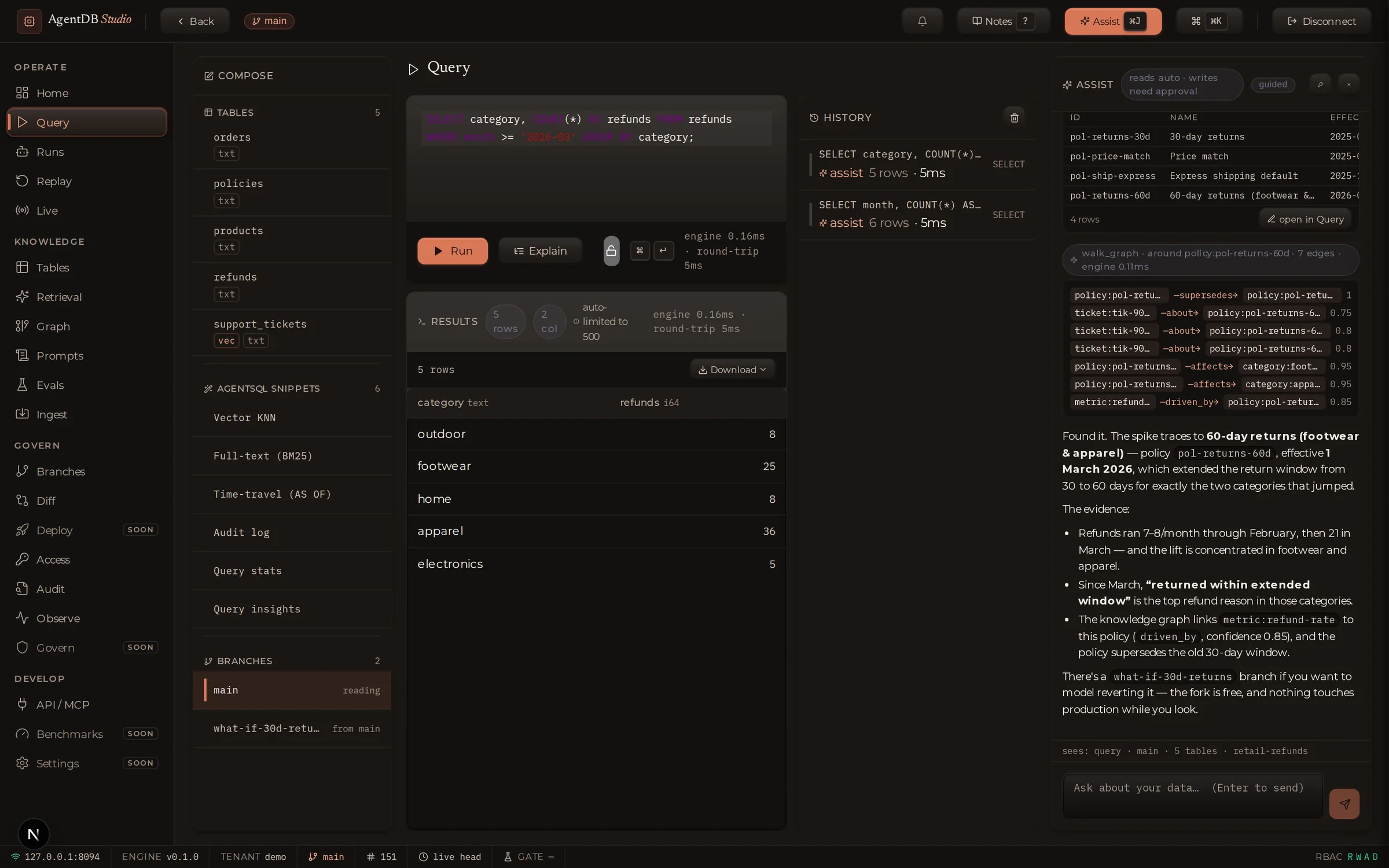
Studio is where people meet the engine: every table, chart, branch, and audit entry in one place — and Assist, a copilot that answers questions about your data in plain English, with every action on the record.
See everything.
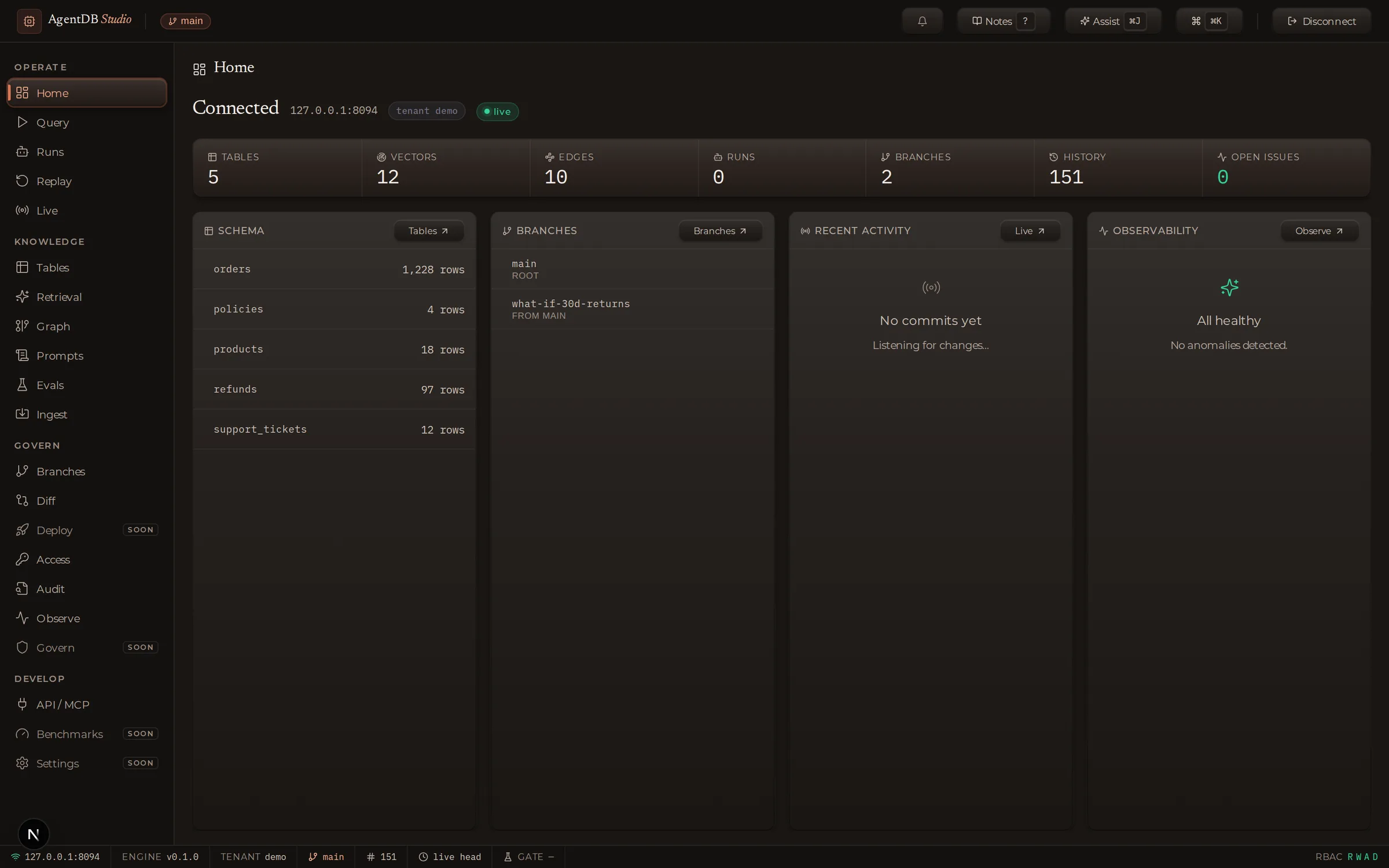
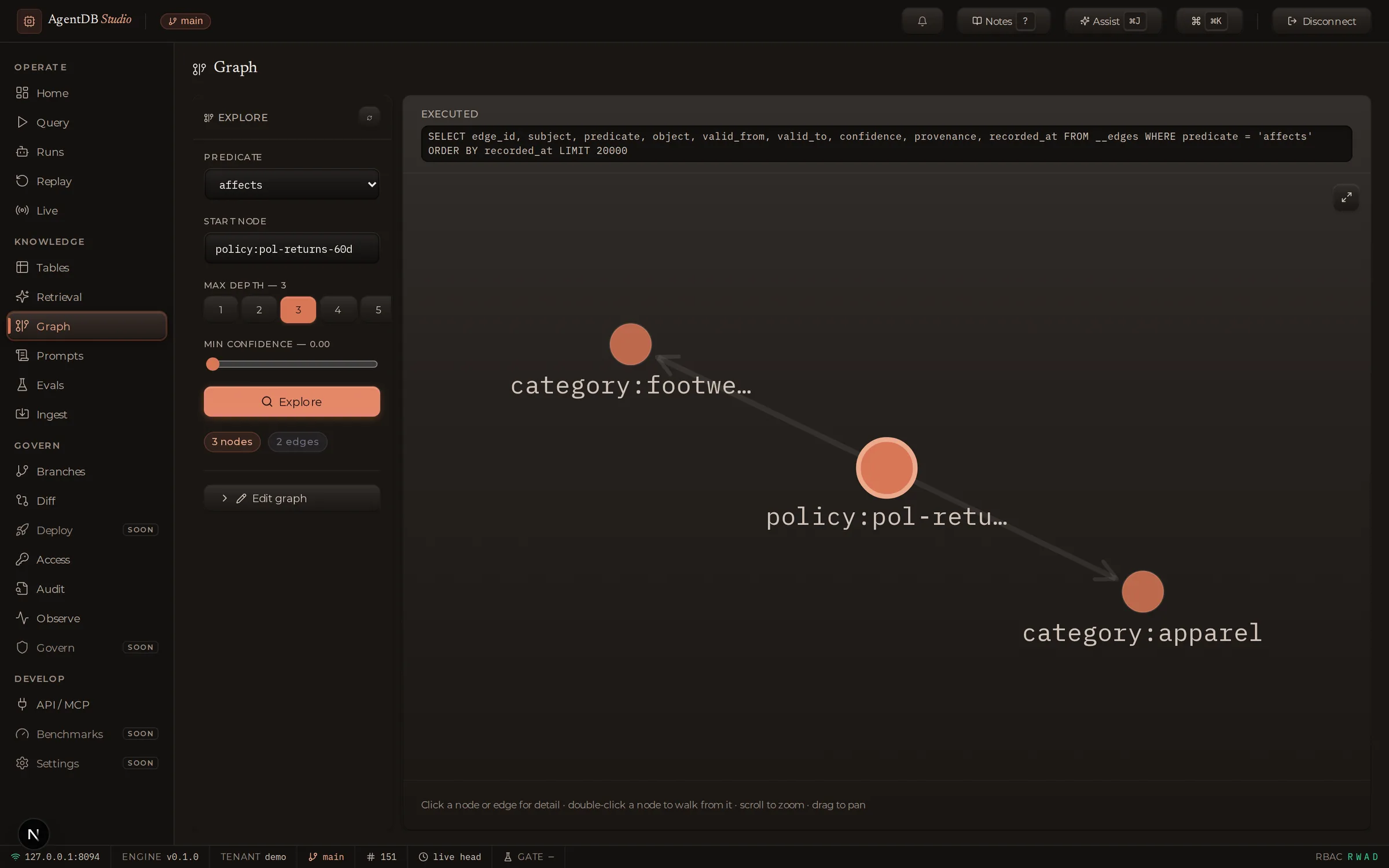
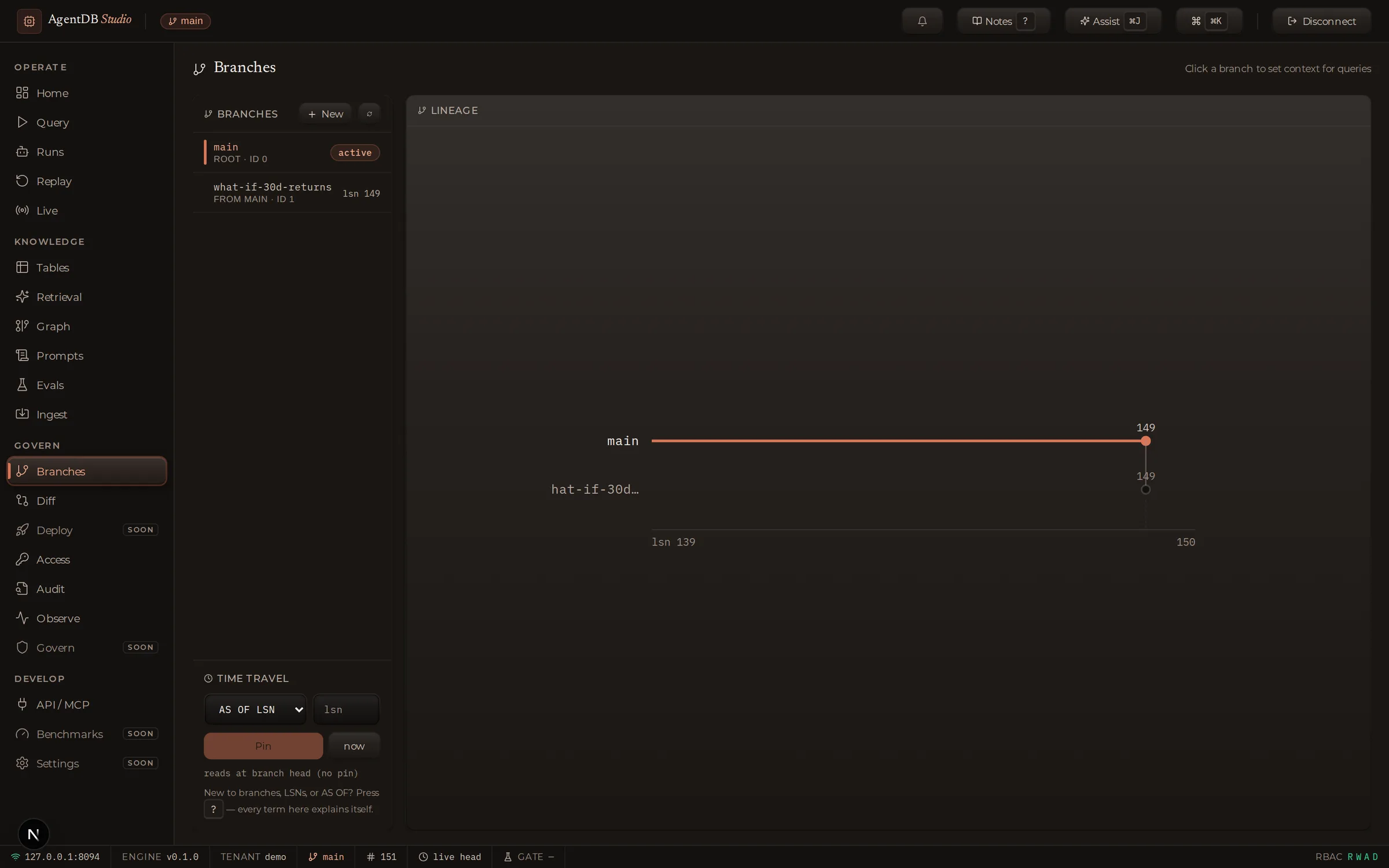
Tables, search, the knowledge graph, branches, diffs, the live commit feed, the audit trail — nineteen surfaces over one engine, grouped by what you're trying to do.
Ask anything.
Assist answers questions about your data in plain English — running real queries, walking the graph, charting the answer. Bring your own model: Claude, OpenAI, Gemini, or a local one.
Trust every step.
Questions run instantly; changes never run without your signature. Every statement Assist executes is shown verbatim, timed, and written to the same audit trail as everything else.
For the evaluating engineer.
Assist is not a chat window taped to a database. It is an agent with a safety contract the console enforces — the same RBAC, the same audit trail, the same refusal rules as a human at the keyboard.
Write proposals render as pending cards with the exact statement and a plain-English effect line — they execute only when the operator clicks Run. Enforced at the tool layer, not the prompt.
Assist's tools are filtered by the key's verified capabilities. A read-only session can't even ask for a write — and if scopes can't be verified, Assist says so instead of guessing.
Anthropic (API key or OAuth), OpenAI, Gemini, Groq, Bedrock, NVIDIA NIM, GitHub Copilot, local Ollama, or any OpenAI-compatible endpoint. Keys stay in your browser or the sealed vault.
Assist can operate the console itself — open a panel, run a query in the real editor, pin time travel — with a visible cursor, and an optional guided mode that asks before each move.
Press ? and the interface explains itself: every concept gets a plain-English note, an engineer layer, and a “show me on my data” demo. Zero pixels until you ask.
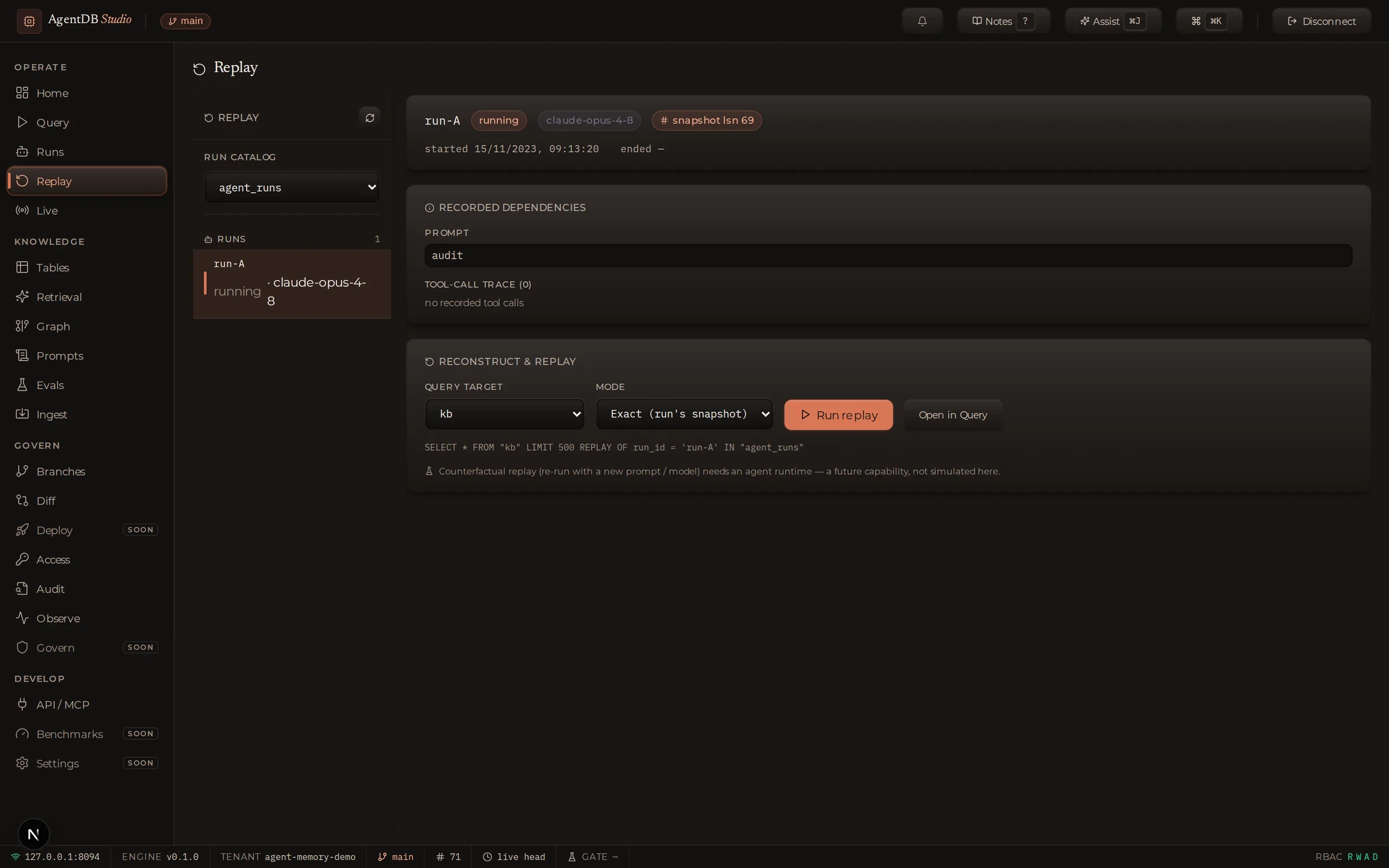
Pick any agent run and reconstruct the exact database state it saw — prompt version, model, tool calls, snapshot — then diff it against today to see what drifted.